Frequently asked questions
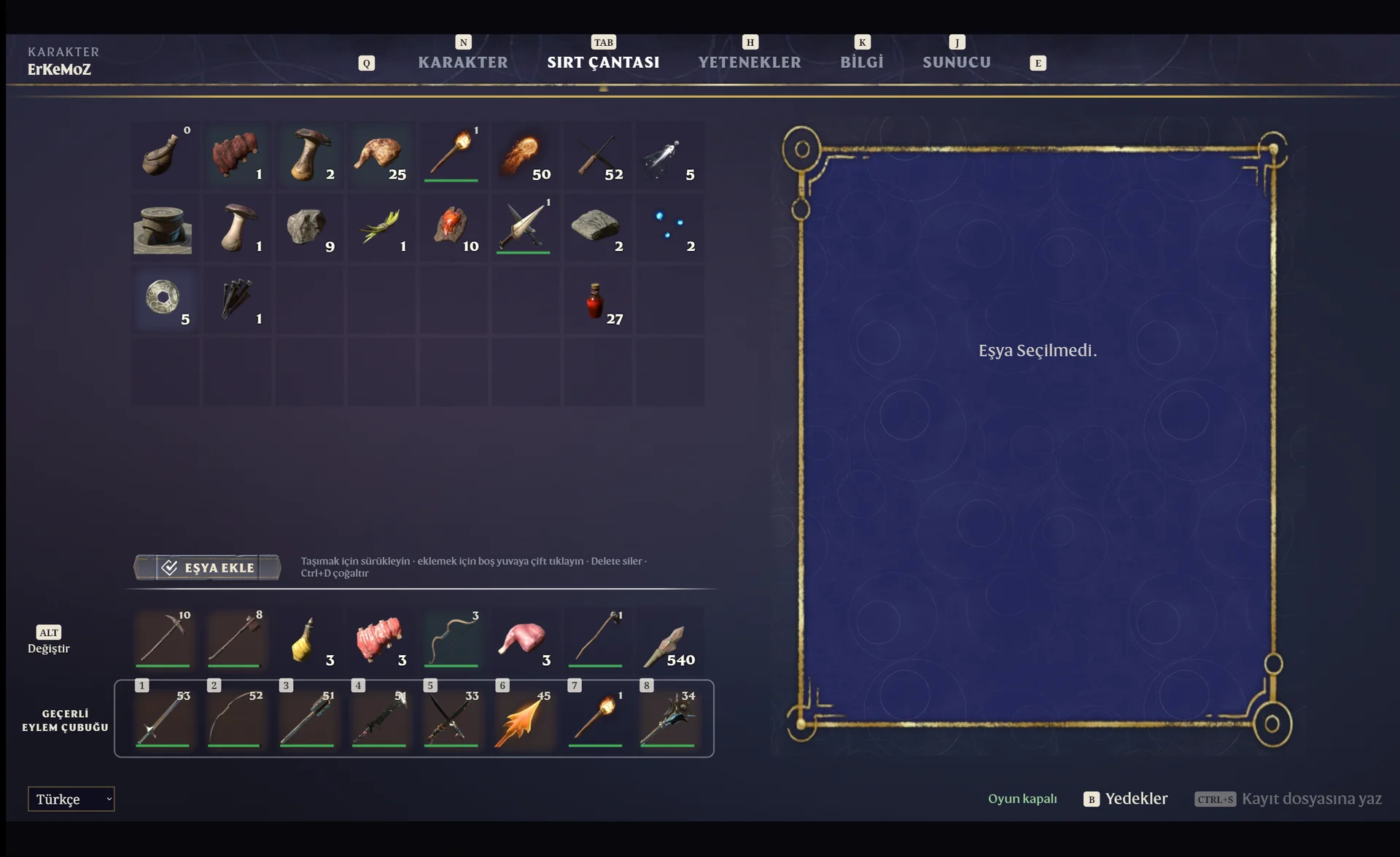
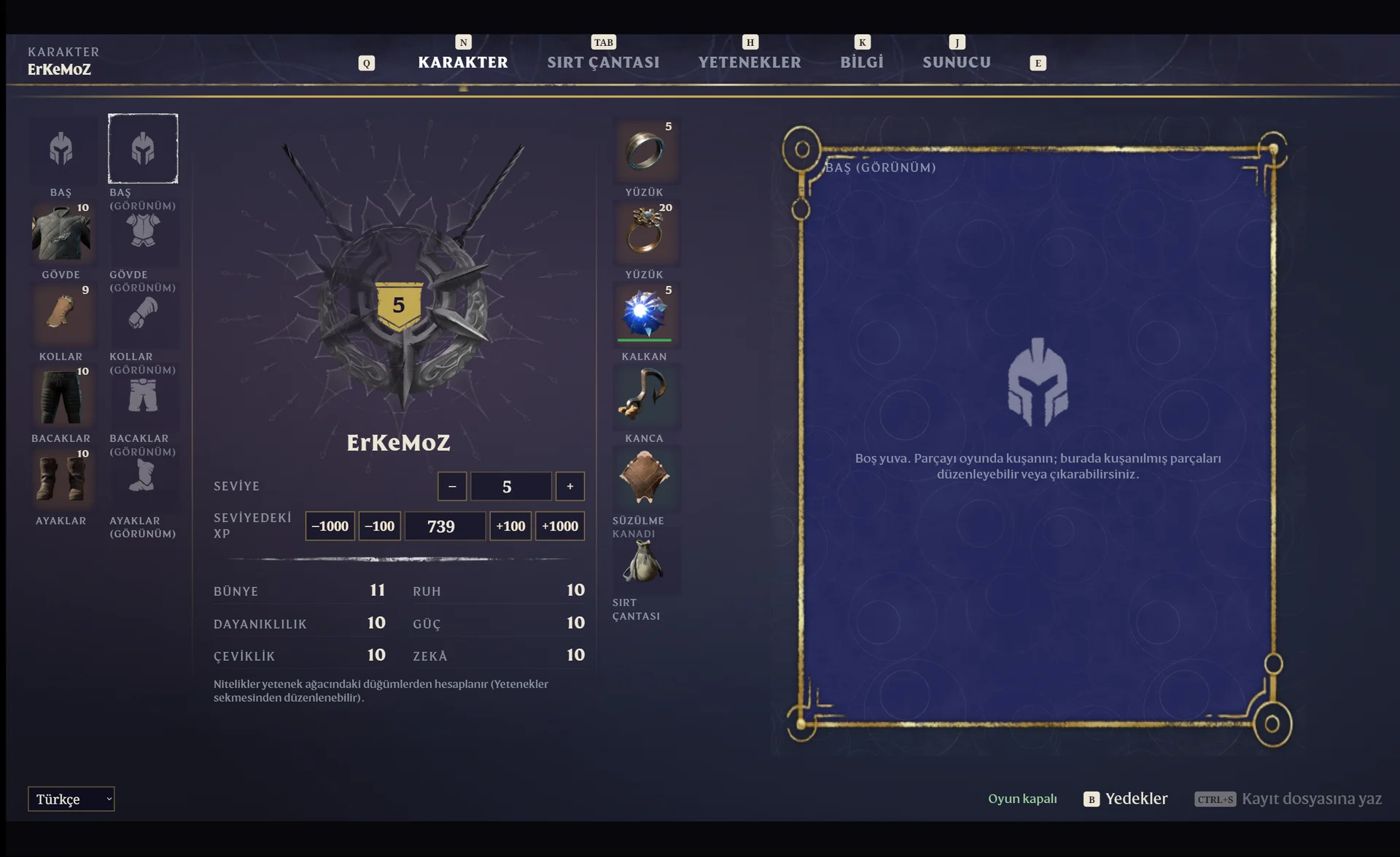
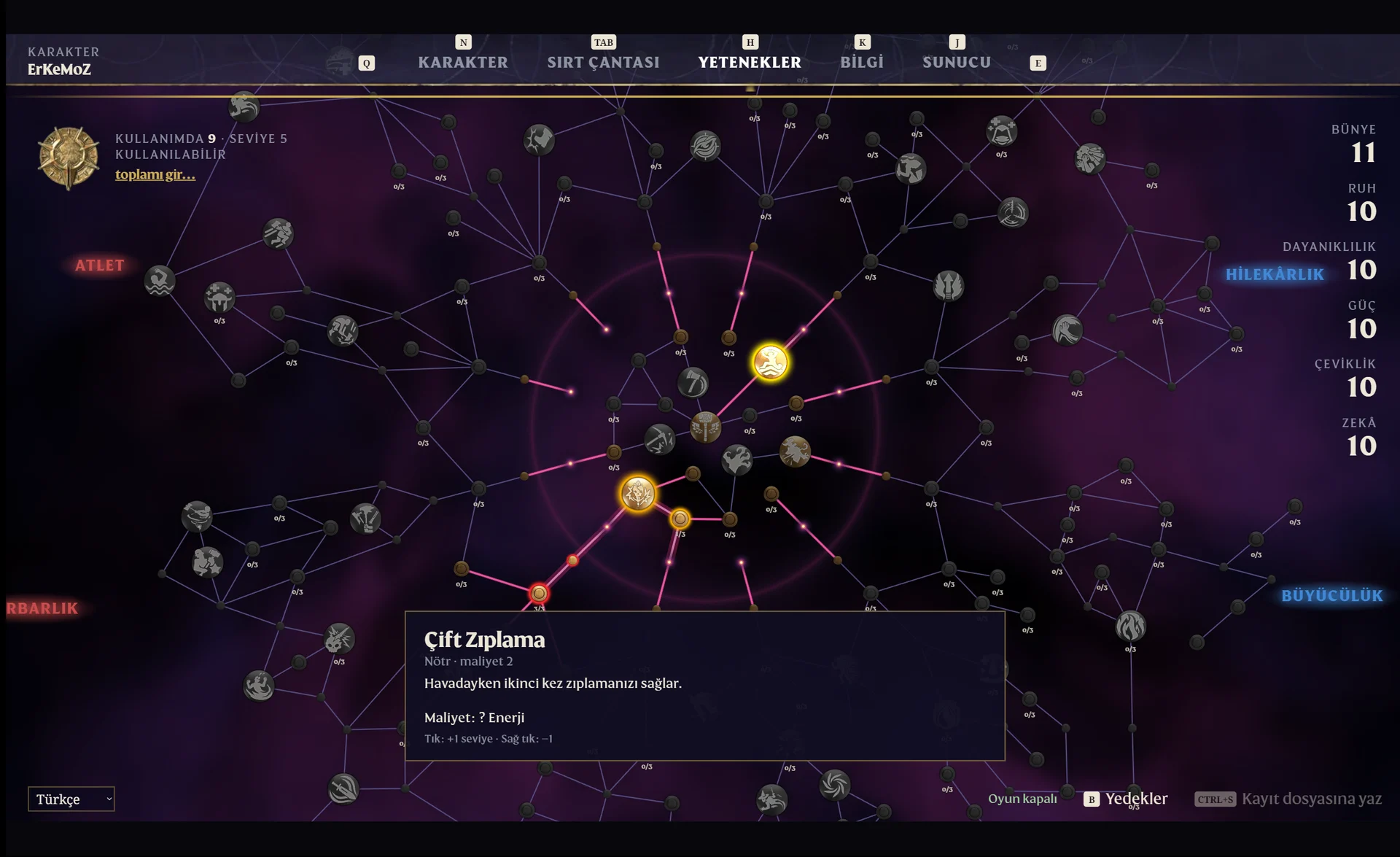
The program opens in English.
Choose “Türkçe” in the language menu at the bottom right. If Windows is in Turkish, the program starts in Turkish by itself.
Can it break my saves?
The program makes a backup before every save, and you can restore it from inside the program. Because the game rewrites the save while it's running, edit with the game closed.
Why are some item names in English?
In this version the interface and skill tree are in Turkish; item names and stats are still in English. They'll be Turkish too once the game's official Turkish item names are added.
The program won't open.
“Enshrouded Save Editor TR.exe” and WebView2Loader.dll must be in the same folder. The program uses Microsoft Edge WebView2, which is usually already installed on Windows 10 and 11.
Who made the program?
The program is by Nicolas Ferreira and is released under the MIT licence. The Turkish translation is by erkemoz. The package includes the original licence text (LISANS.txt).
Windows says “Windows protected your PC” when I open the installer. Is it safe?
Windows SmartScreen shows this warning because the installers aren't signed with a paid code-signing certificate. Click “More info → Run anyway”. If you like, compare the file's SHA-256 fingerprint with the one in the release notes on GitHub.
What's the easiest way to stay up to date?
Erkemoz - Game Mods. It installs new versions by itself; if a game update breaks a patch or panel, it sets it aside and reinstalls it once a compatible version is out. If you downloaded it manually from this page, check back here for new versions.
I found a bug or a missing translation. Where do I report it?
Write to [email protected]. A screenshot makes the problem easier to find; fixes are published in a new version.
Uninstalling
Uninstall “Enshrouded Save Editor Türkçe” from the Programs list in Control Panel, or click “Uninstall” in Erkemoz - Game Mods. If you used the package without installer, just delete the folder. Your game saves are not touched.
Good to know
- The patches are unofficial; games and their names belong to their owners. Play with your own copy of the game.
- The patches and cheat panels were made and tested on the Steam versions of the games. If one doesn't work on another version such as Epic Games, GOG or Xbox / Game Pass, write to me and we'll look into it together.
- Found a bug or a missing translation? Write to me: [email protected]
 erkemoz