 erkemoz

Mist Survival v1.0
Steam
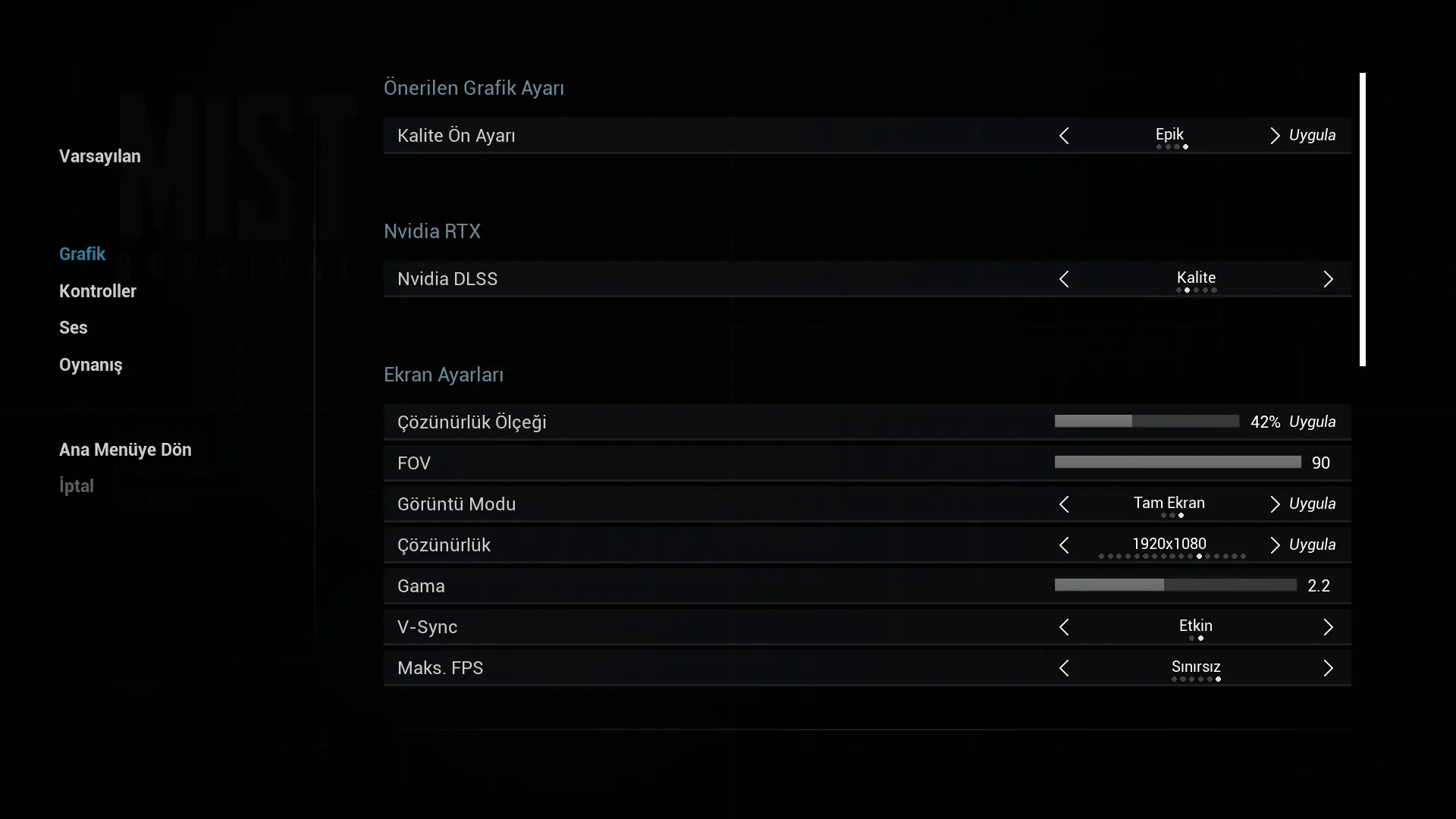
On a 16:10 screen, choose a 16:9 resolution in the game (e.g. 1920×1080) so the interface fits.
No-installer package (zip) →
Free Turkish translation patch (Türkçe yama): installs with one click and never connects to the internet.
On a 16:10 screen, choose a 16:9 resolution in the game (e.g. 1920×1080) so the interface fits.
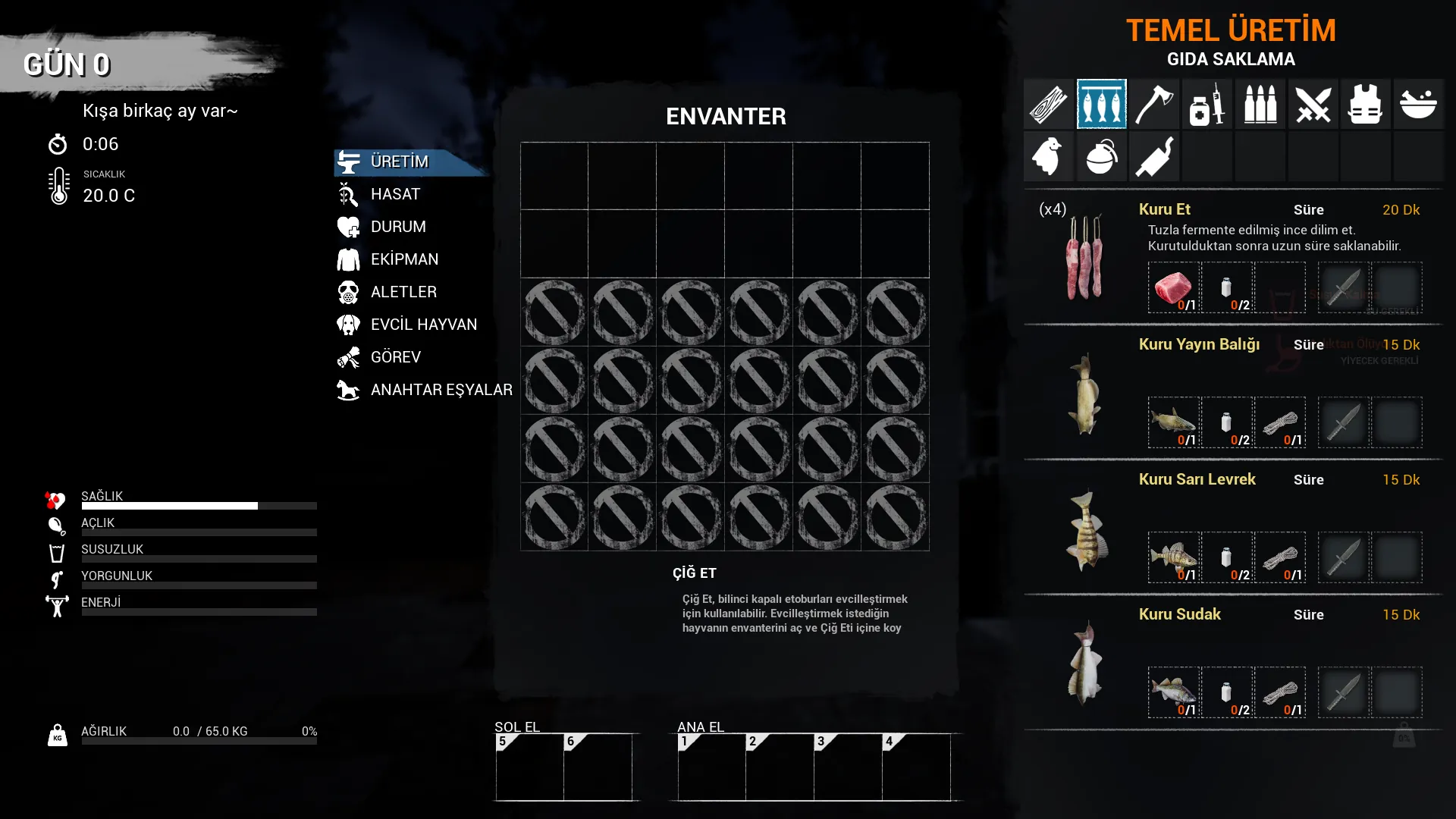
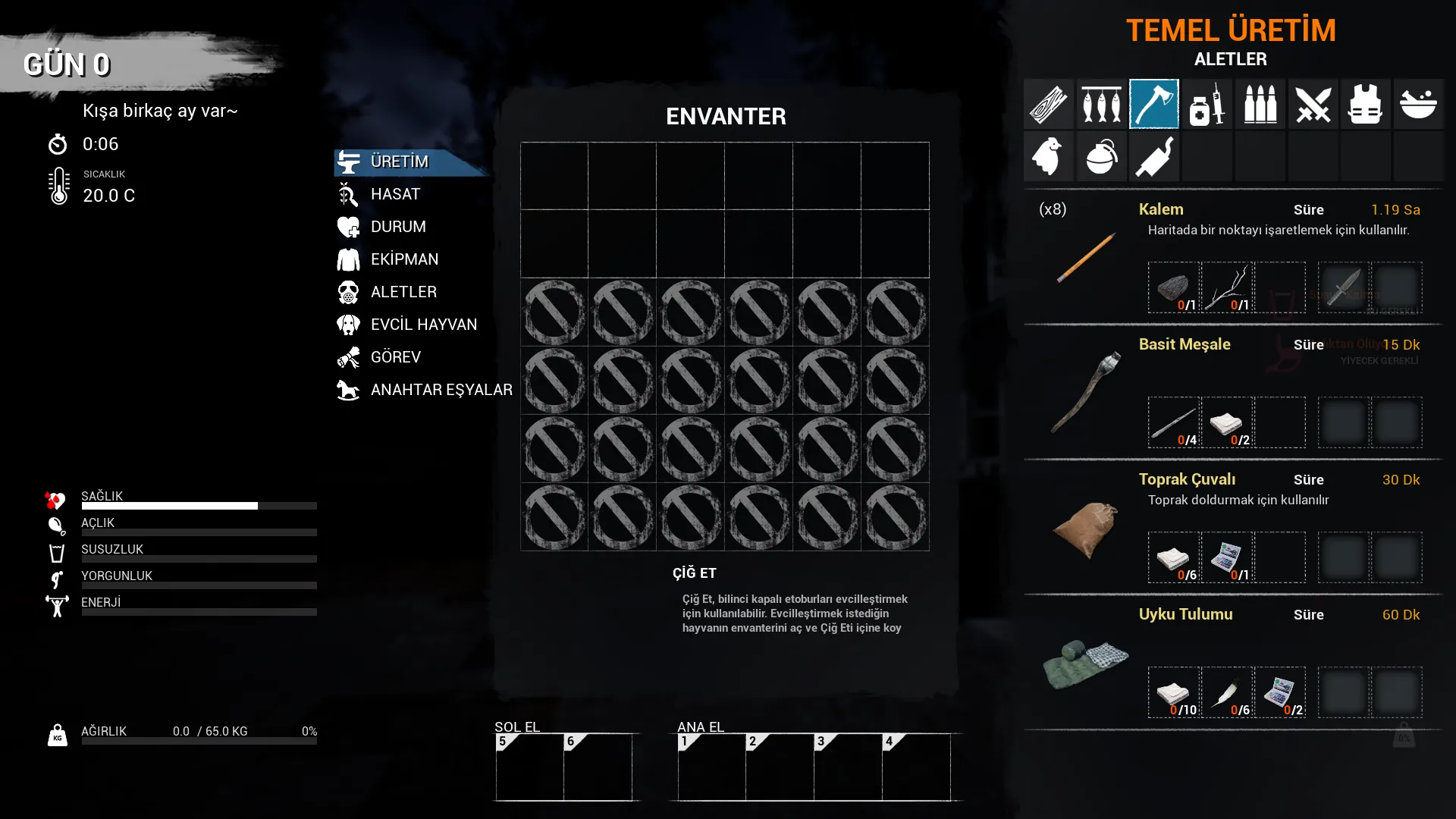
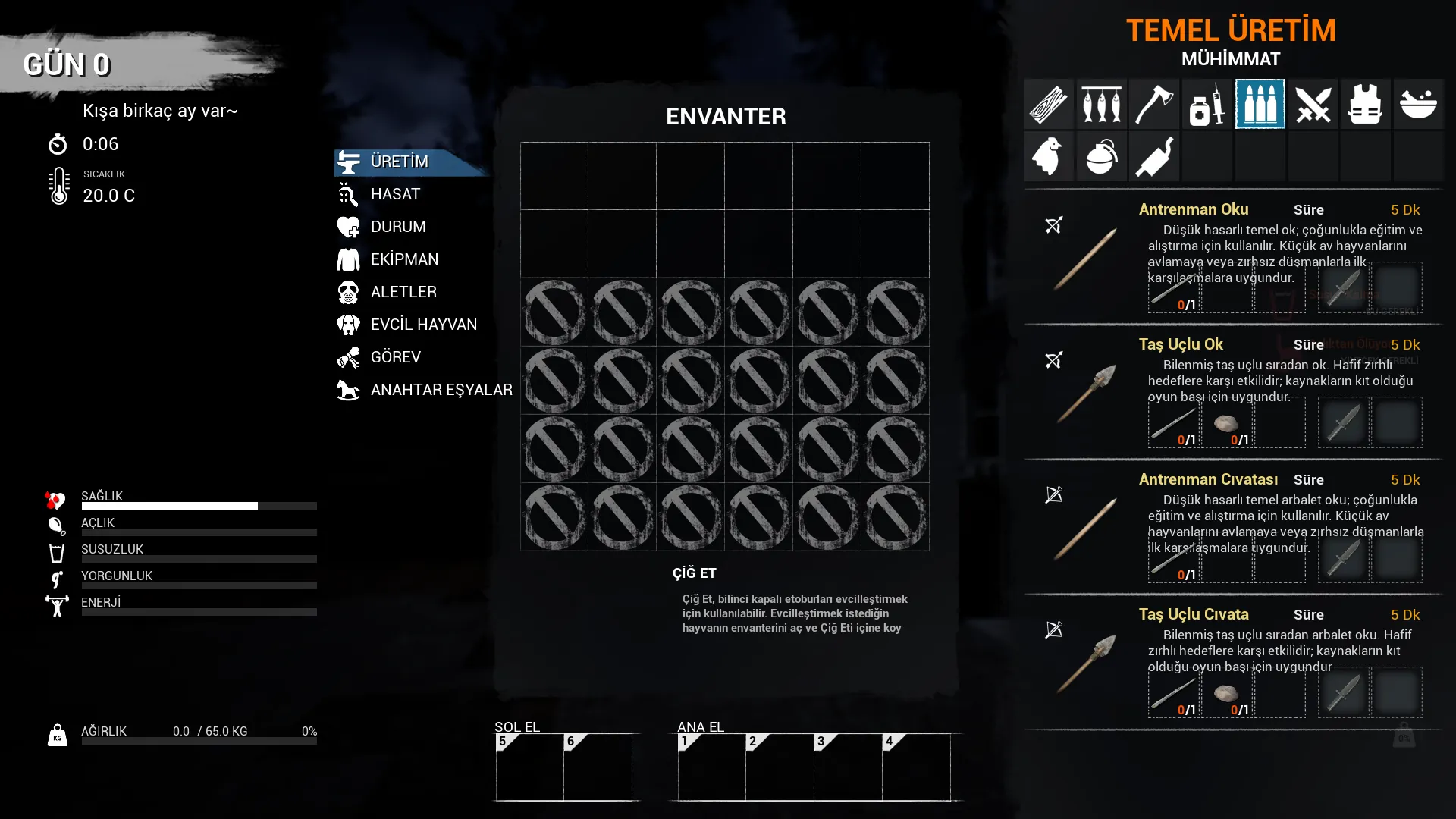
No-installer package (zip) →A free Turkish patch for Mist Survival. The main menu, settings, controls, inventory, items, buildings, crafting recipes, skills, quests, dialogue and tutorial tips are in Turkish.
The patch adds Turkish copies of more than 600 game files that contain text, as a separate package (MistSurv-Windows_TR_P.pak). Unreal Engine reads this package before the game's own files; the original files are left untouched.
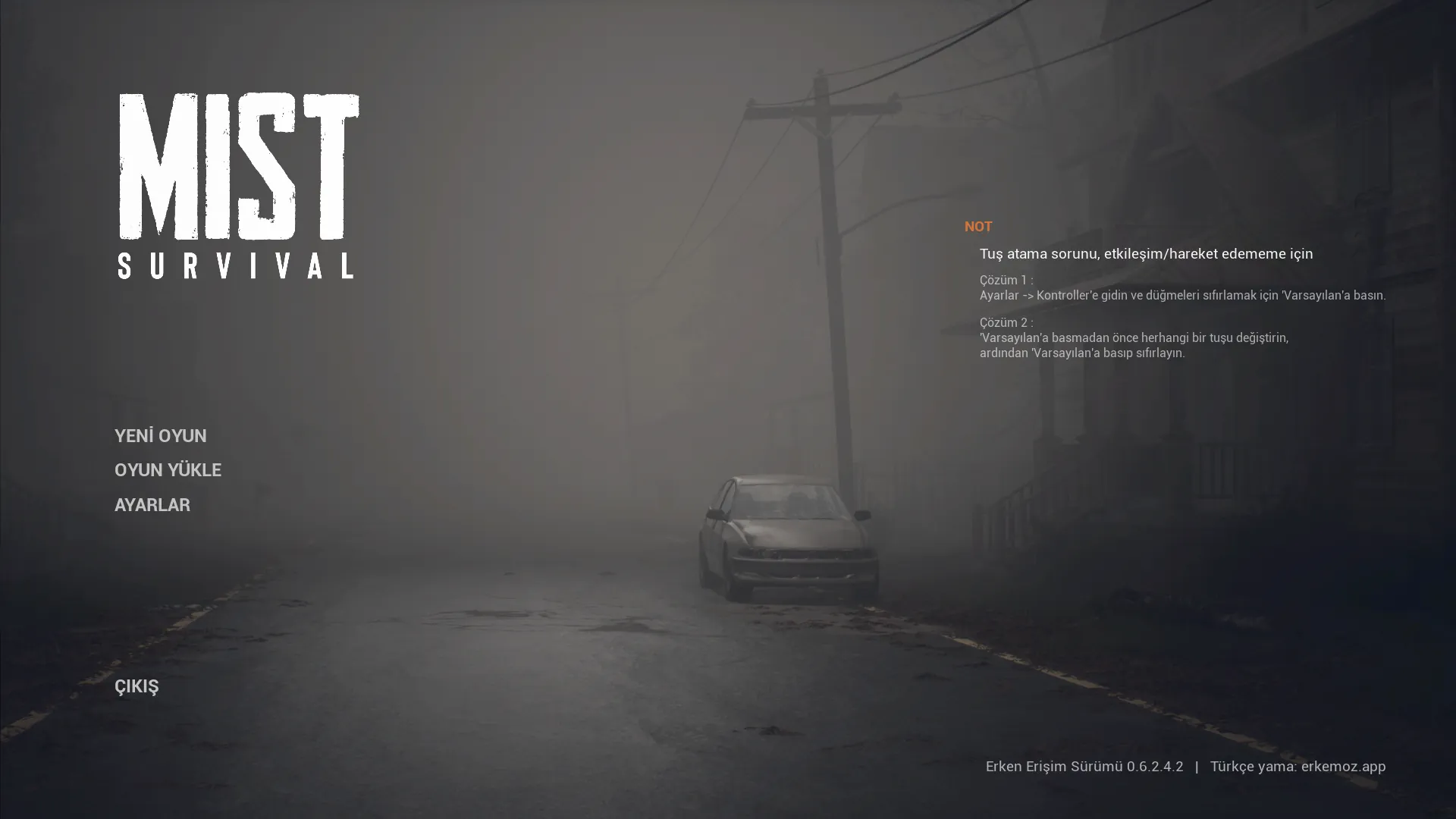
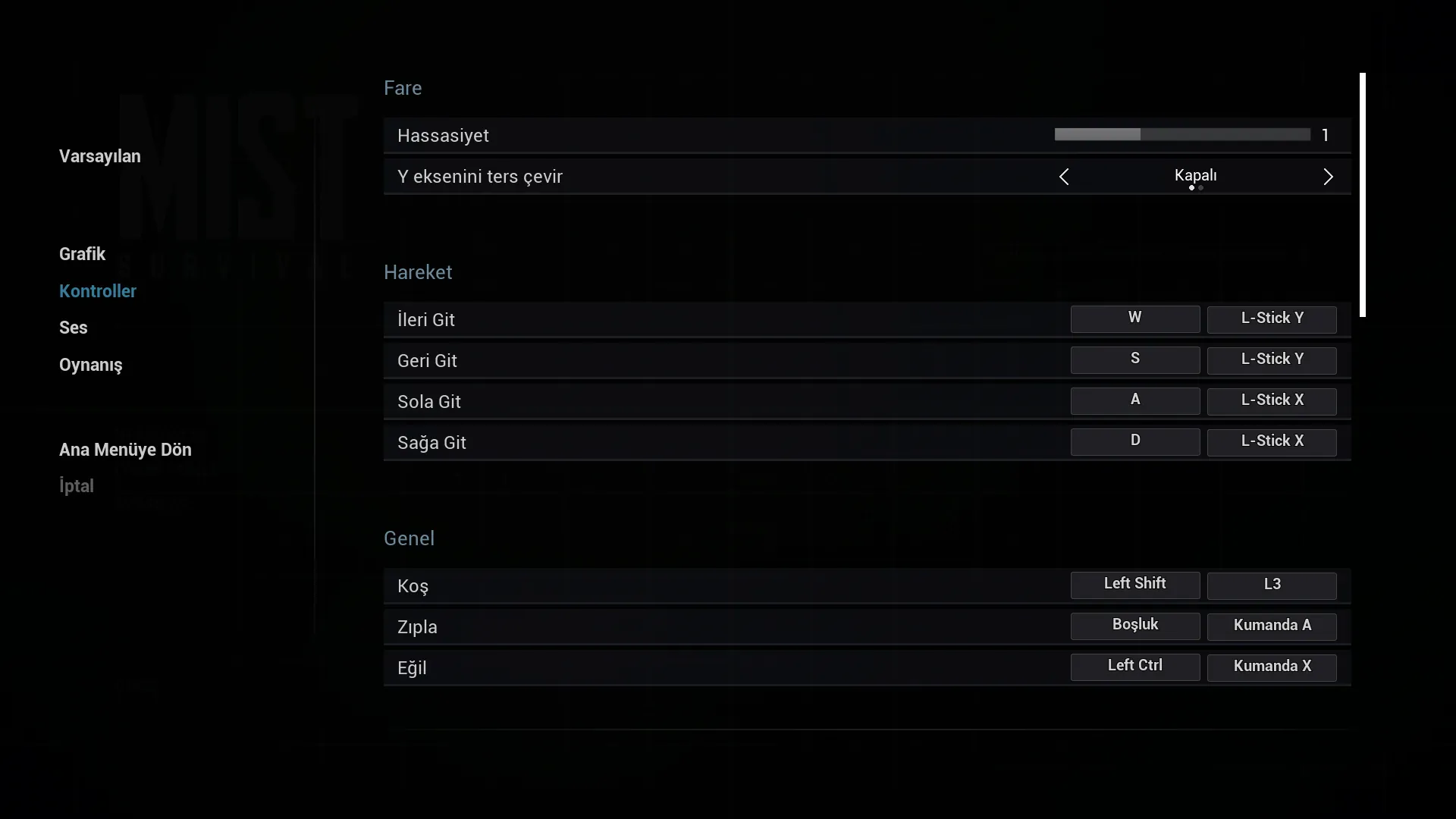
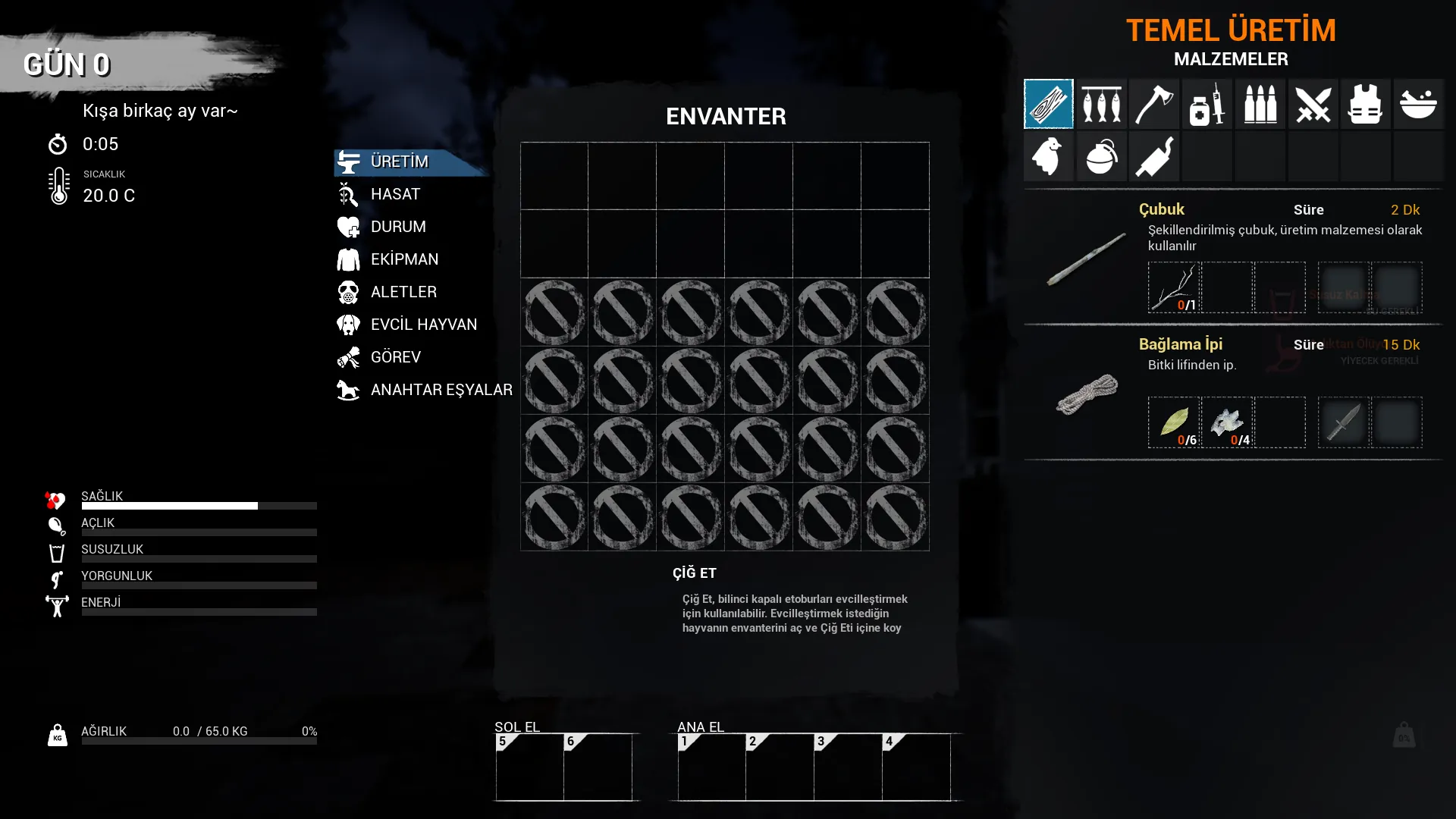
Captured in the game with the patch installed. Click to enlarge.
If your screen is 16:10, pick a 16:9 resolution in the game (e.g. 1920×1080) and the interface fits.
No. With the patch installed, the game starts straight in Turkish.
If an update changes one of the files the patch translates, the patch may stop matching the new game version. Erkemoz - Game Mods then sets the patch aside and reinstalls it once a compatible version is out. If you installed it manually and run into problems, delete the pak file and wait for the new version.
Windows SmartScreen shows this warning because the installers aren't signed with a paid code-signing certificate. Click “More info → Run anyway”. If you like, compare the file's SHA-256 fingerprint with the one in the release notes on GitHub.
Erkemoz - Game Mods. It installs new versions by itself; if a game update breaks a patch or panel, it sets it aside and reinstalls it once a compatible version is out. If you downloaded it manually from this page, check back here for new versions.
Write to [email protected]. A screenshot makes the problem easier to find; fixes are published in a new version.
Remove it from Control Panel. If you installed without the installer, just delete MistSurv-Windows_TR_P.pak from the Paks folder.

They're free and will stay free. If one saved you some time, you can buy me a coffee — it helps keep new programs coming.